
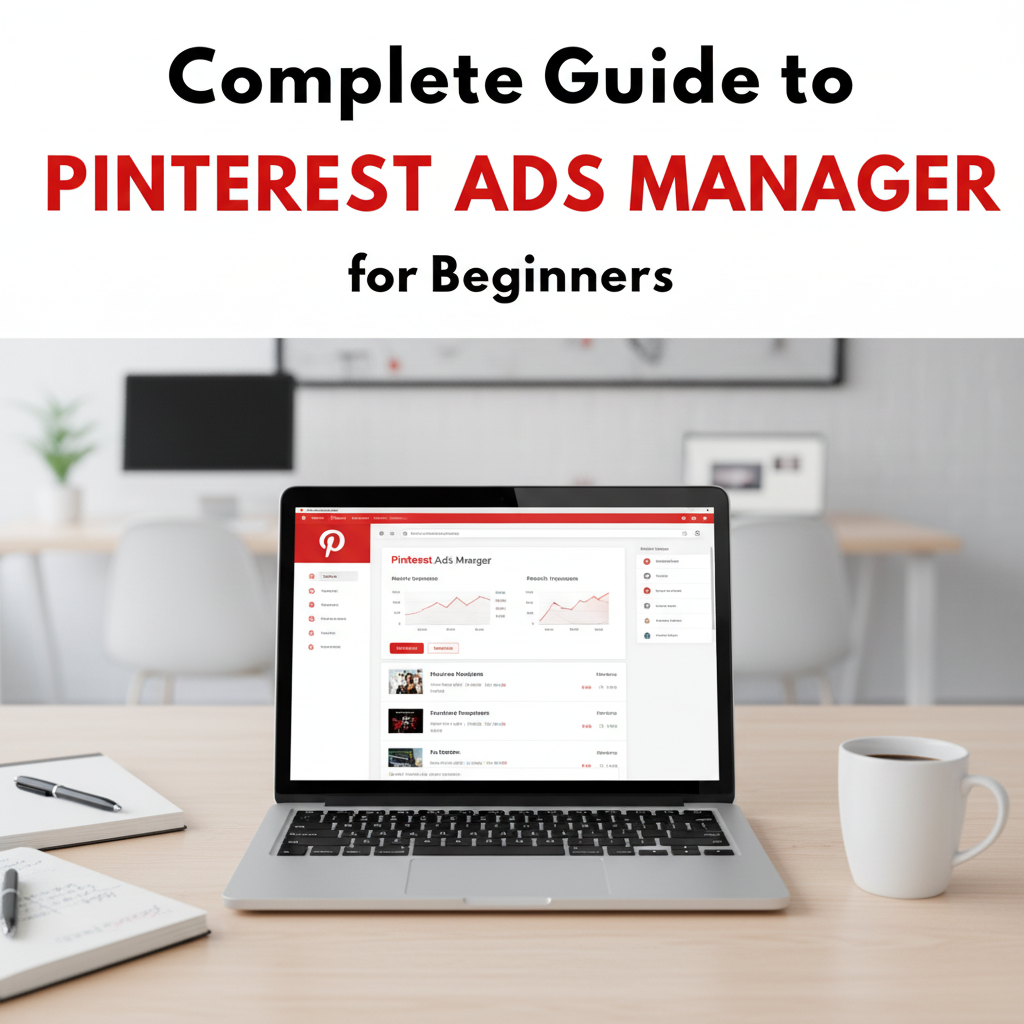
Pinterest is not just a place to find cool ideas. A powerful visual search engine and ad network. It connects businesses with customers who want inspiration or products. To increase traffic, lead generation, and sales, you need to learn how to utilize Pinterest Ads Manager.
With this complete guide, you will learn what Pinterest Ads Manager is and how it works. You will also learn how to create a campaign. You will learn proven ways to run successful Pinterest ads.
What is Pinterest Ads Manager?
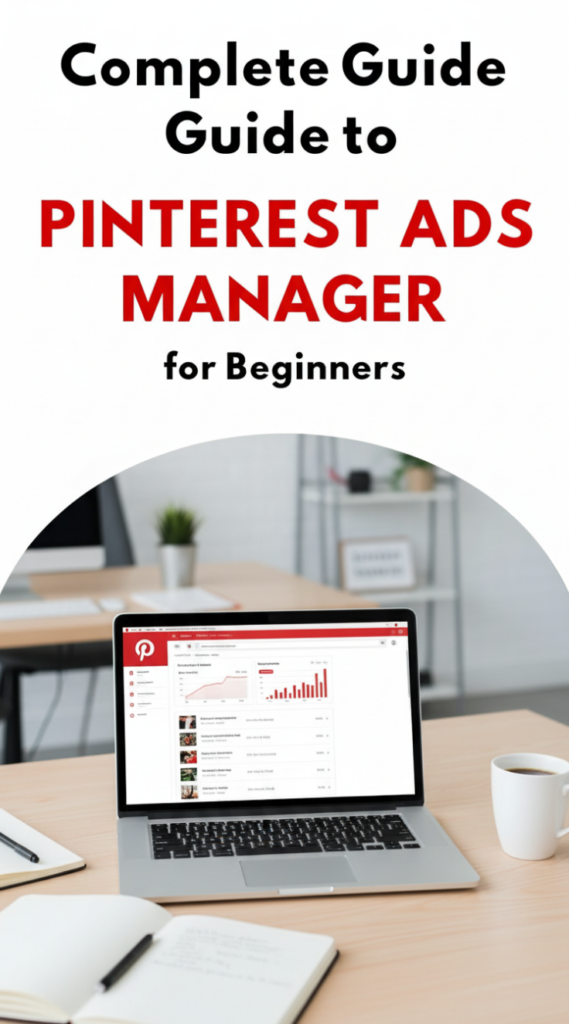
Pinterest Ads Manager is Pinterest’s official advertising dashboard that allows advertisers to create, manage and optimize their advertising campaigns.
Using Pinterest Ads Manager, an advertiser can:
- Create Promoted Pins
- Target Specific Audiences
- Manage Advertising Budgets
- Track Campaign Performance
- Optimize Ad Campaigns For Better Results
Unlike traditional ad networks, Pinterest Ads appear naturally in users’ feeds, not as disruptive ads, which boosts engagement.
Why Businesses Use Pinterest Ads Manager
With hundreds of millions of users on Pinterest, most of them use it to curate new ideas. They also curate products and services.
Using Pinterest Ads Manager helps companies find people that are already in a discovery phase of their purchasing process.
Some of the main advantages include:
- Increased website traffic
- Higher levels of product discovery
- A strong opportunity for marketing products visually
- More long-term visibility for your content
- Highly targeted advertising campaigns to reach a specific audience
Users on Pinterest are more likely to buy after they discover something. Pinterest can help online brands and service businesses a lot.
How Pinterest Ads Manager Works
Pinterest has an ad platform called Pinterest Ads Manager. It lets companies promote posts and content using Promoted Pins.
Promoted Pins look like organic pins. The difference is that Pinterest shows them to a targeted audience. This audience is based on interests and activity on Pinterest.
Below is a general overview of how to use Pinterest Ads Manager to create your first advertising campaign:
- Create a Pinterest business account
- Log in to Pinterest Ads Manager
- Choose a campaign objective
- Create your promoted pins
- Determine your sponsors and advertisers
- Determine your target audience
- Set a budget for the campaign
- Launch your campaign
After your campaign is live, Pinterest Ads Manager shows performance metrics. This helps you track results and adjust your ad strategy.
Types of Campaign Objectives in Pinterest Ads Manager
When setting up a campaign, Pinterest Ads Manager asks you to choose an objective. The objective determines how Pinterest will optimize your ads.
Common campaign objectives include:
Brand Awareness
This objective focuses on showing your ads to as many people as possible to increase brand recognition.
Traffic
Traffic campaigns are designed to bring users from Pinterest to your website or landing page.
Engagement
Engagement campaigns encourage users to interact with your pins by saving, clicking, or sharing them.
Conversions
Conversion campaigns help businesses drive purchases, signups, or other valuable actions on their websites.
How to Set Up Pinterest Ads Manager Step by Step
Getting started with Pinterest Ads Manager is simple if you follow the correct steps.
Step 1: Create a Pinterest Business Account
First, you need a Pinterest business account. This account gives you access to advertising tools and analytics.
Step 2: Access Pinterest Ads Manager
After creating your business account, open the Pinterest Ads Manager dashboard to start creating campaigns.
Step 3: Choose a Campaign Objective
Select the goal of your advertising campaign such as traffic, engagement, or conversions.
Step 4: Define Your Audience
Pinterest Ads Manager allows advanced targeting based on:
- Interests
- Keywords
- Demographics
- Location
- Devices
- Custom audiences
Targeting the right audience improves ad performance.
Step 5: Set Your Budget and Schedule
You can set:
- Daily budget
- Lifetime budget
- Campaign start and end dates
Pinterest allows flexible budgeting so businesses can control advertising costs.
Step 6: Create Your Promoted Pins
Your ads will appear as promoted pins in the Pinterest feed.
Strong promoted pins usually include:
- High-quality images
- Clear text overlays
- Strong call-to-action
- Relevant keywords
Step 7: Launch and Monitor Campaign
After launching your campaign, use Pinterest Ads Manager analytics to track results and optimize performance.
Best Practices for Pinterest Ads Manager
To get the best results from Pinterest Ads Manager, follow these proven advertising strategies.
Use High-Quality Visual Content
Pinterest is a visual platform, so eye-catching images are essential. Use vertical images with clear branding.
Add Relevant Keywords
Pinterest functions like a search engine. Including relevant keywords in your pins and ads improves discoverability.
Examples include:
- Pinterest advertising strategy
- promoted pins marketing
- Pinterest ads campaign
- Pinterest ad targeting
Test Multiple Ad Creatives
Running multiple ad variations helps you identify which images and messages perform best.
Optimize Landing Pages
Ensure that your landing page matches your pin content and loads quickly for better conversions.
Monitor Analytics Regularly
Pinterest Ads Manager provides detailed insights such as:
- impressions
- clicks
- saves
- conversions
Analyzing this data helps you refine your advertising strategy.
Common Mistakes to Avoid in Pinterest Ads Manager
Mistakes are common for new users of Pinterest ads.
Some common mistakes made by many new users include:
- Poor quality photo
- Too broad target audience
- Ignoring keyword optimization
- Not trying out multiple creatives
- Advertising without measuring results
If you avoid making these mistakes, you can greatly increase the effectiveness of your ads.
Who Should Use Pinterest Ads Manager?
For businesses of all kinds, Pinterest Ads Manager is a great tool.
Some of the types of businesses that have the greatest success using Pinterest Ads Manager are:
- Ecommerce sites
- Bloggers
- Digital Product Creators
- Fashion/Lifestyle
- Home Decor
- Food/Recipe sites
- Marketing Agencies
If your business relies on visual content and inspiring marketing, Pinterest Ads Manager can help you advertise well.
Final Thoughts
Pinterest is a great resource for marketers who want to reach audiences actively engaged with pin content. Pinterest Ads Manager provides businesses with everything they need to do just that.
By creating visually engaging promoted pins, targeting your ideal customer, and analyzing the results from your promoted pins, your business will have the opportunity to create consistent traffic and sales through Pinterest Ads Manager.
Whether you are new or experienced, you should learn how to use Pinterest Ads Manager well. It is an important part of your digital marketing strategy.